
True multi-track recording
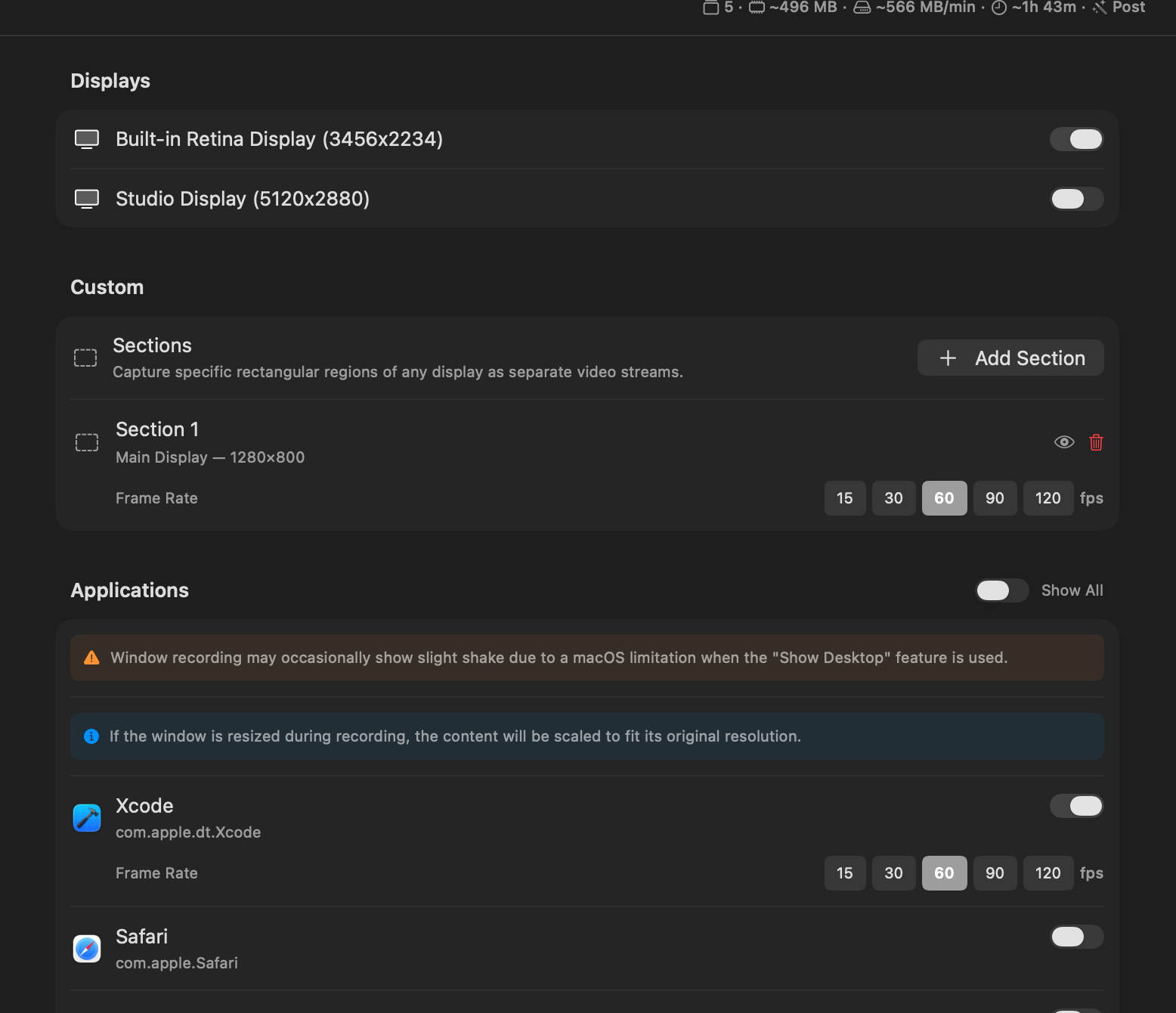
Displays, windows, custom regions, cameras, microphones, and system audio — captured at the same time, each to its own MOV or M4A file.

Multi-track screen recorder for macOS
Layiso records your screens, cameras, and microphones simultaneously — each to a separate file, ready to drop into your editor. Nothing gets flattened.
Features
Displays, windows, custom regions, cameras, microphones, and system audio — captured at the same time, each to its own MOV or M4A file.
One click exports an FCPXML timeline for Final Cut Pro and an EDL for DaVinci Resolve — clips, markers, and caption lanes already in place.
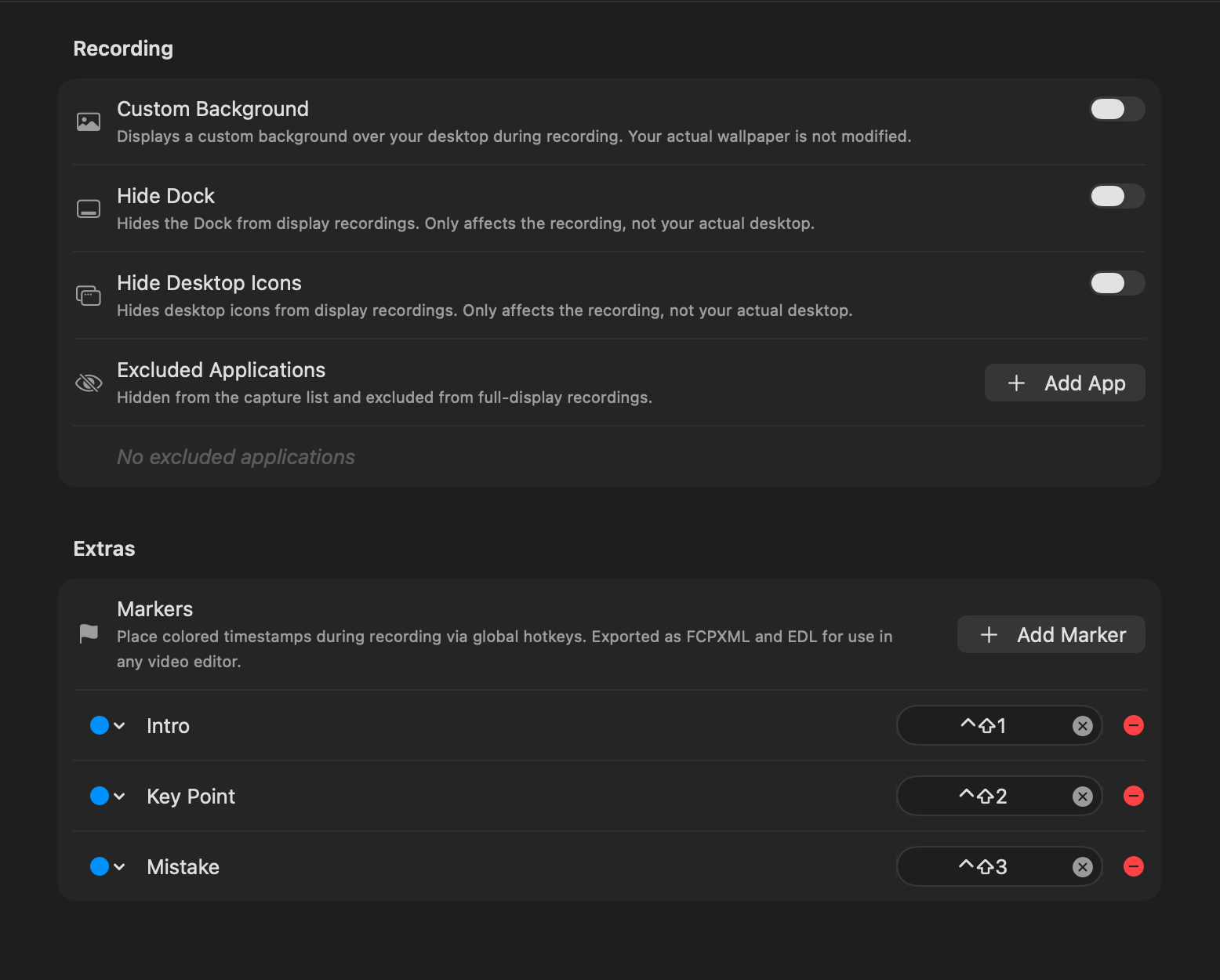
Drop color-coded markers with global hotkeys while you record. All eight colors survive the trip into Final Cut and Resolve.
Whisper-powered speech-to-text runs entirely on your Mac and writes ready-to-use SRT captions. Your audio never leaves the machine.
Every shortcut you press is written to an SRT file, timed to the recording — perfect overlays for tutorials. Modifier-only mode keeps it tidy.
HEVC or ProRes 422, 15 to 120 fps — configured per stream. Record one display at 120 fps and your camera at 30, in the same session.
Workflow
Choose any mix of displays, windows, regions, cameras, and mics. Live previews and audio meters confirm everything is ready.
Hit record after the countdown. Tag the good takes and the flubs with hotkey markers without touching the mouse.
Import the generated FCPXML or EDL. Every track, marker, and caption is already on the timeline, synced and named.
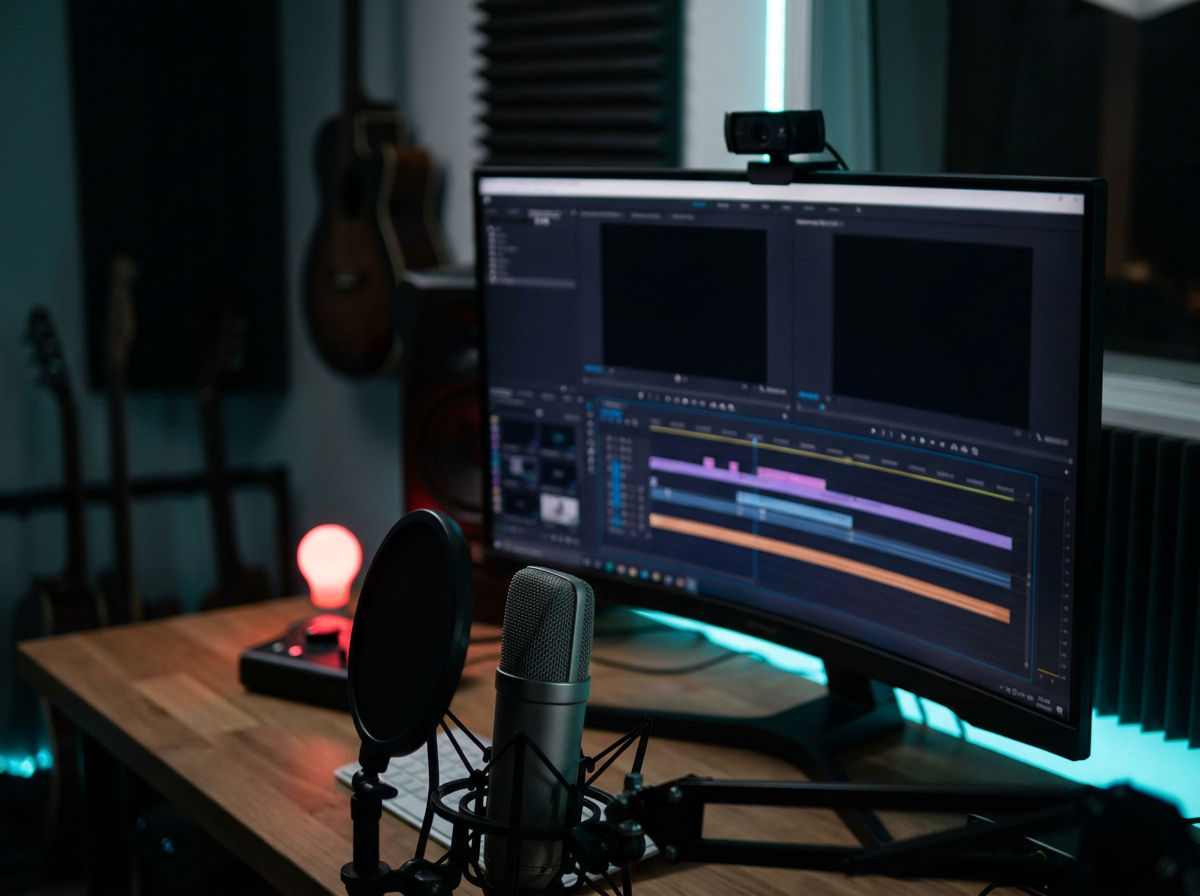
Inside Layiso
What creators say
“Placeholder quote — swap in a real one. Recording screen and camera to separate files means I never re-shoot because the webcam overlay was in the wrong corner.”
“Placeholder quote — swap in a real one. The FCPXML export alone saves me twenty minutes of syncing and naming per episode.”
“Placeholder quote — swap in a real one. Hotkey markers while demoing, colored markers in Resolve afterwards. That’s the whole review pass.”
Pricing
$0
One-time purchase
Unlock once
FAQ
No. Layiso runs the Whisper speech model entirely on your Mac. Audio files and transcripts never leave your machine.
Each video source becomes its own MOV file (HEVC or ProRes 422) and each audio source its own M4A. Optional extras: SRT caption files from transcription and keystrokes, an FCPXML timeline for Final Cut Pro, and an EDL marker list for DaVinci Resolve.
Yes. Layiso records multiple cameras and multiple microphones at once, alongside displays, windows, and system audio — every source to its own file.
Screen Recording for display and window capture, Microphone and Camera for those sources, and Input Monitoring only if you turn on keystroke recording. Layiso asks only when a feature needs it.
Free includes every capture feature with one recording per day, up to 30 minutes. Pro is a single one-time purchase that removes both limits — no subscription.
Download Layiso and give every source the track it deserves.